
RSI Viewer use cases
Six inspection tasks done on a recorded drive: road safety inspection, crossings and school zones, speed, roadside equipment, pavement and before-and-after review.
Use cases
All use cases
Each use case shows how RSI Viewer supports the task and where its limits are.
Find the use cases for your role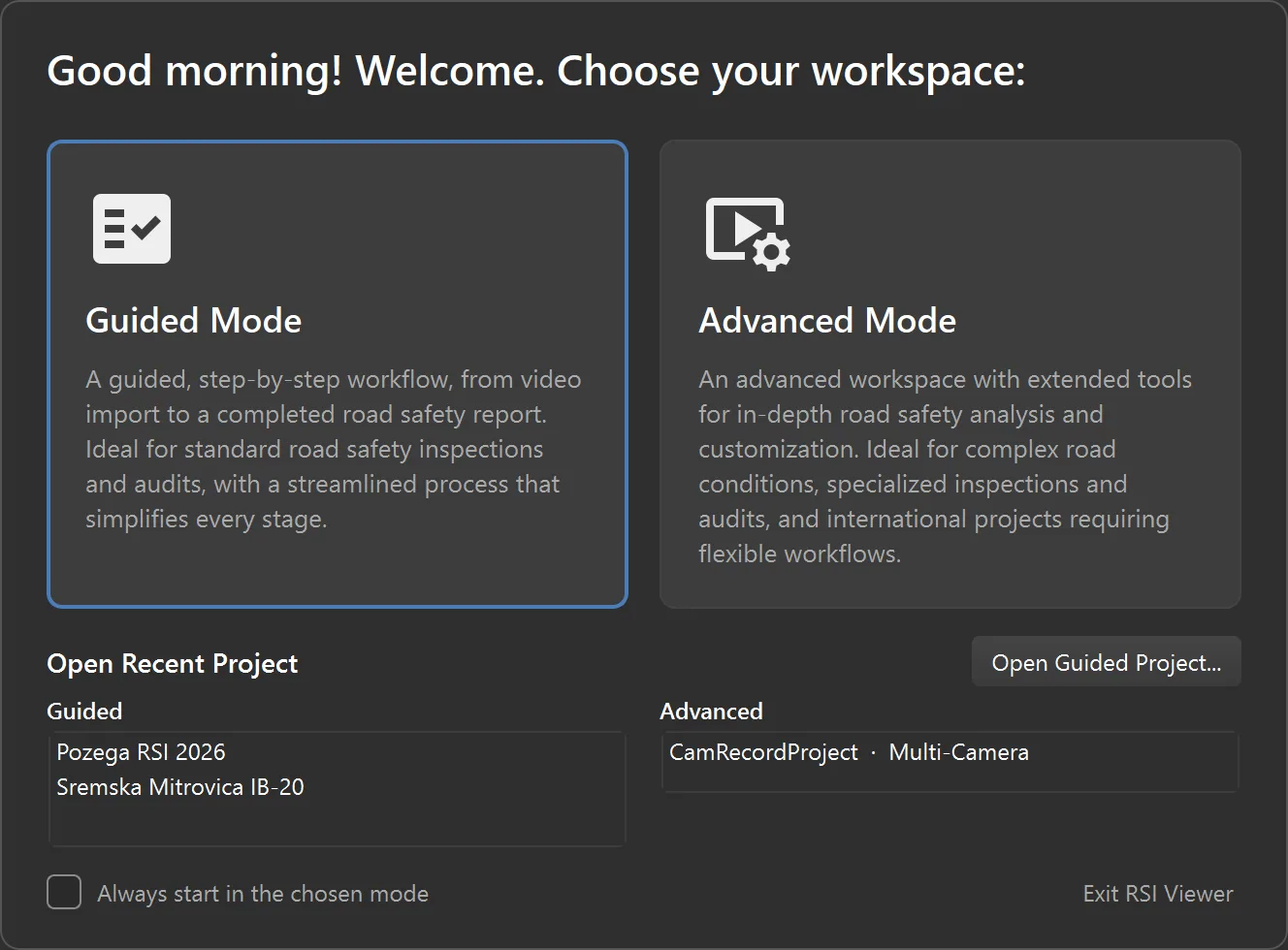 View screenshot at full size: Start screen with the choice of Guided mode and Advanced mode
Road safety inspection
A periodic review of an existing road to find hazards and deficiencies. Review the recorded drive, locate each finding by station and prepare a structured report.
Pedestrians and school zones
Check pedestrian crossings, school approaches and visibility along a route. The speed graph shows the survey vehicle’s GPS speed at each crossing; in Serbia, schools near the route are shown on the map.
Speed management
Compare the survey vehicle’s GPS speed with speed limits imported from OpenStreetMap or entered by segment. Speed Analysis shows segments above the limit, hard braking, the 85th percentile of the recorded speed and the share of driving time above the limit.
Signs and roadside equipment
Review traffic signs, safety barriers, bridge railings and other roadside equipment in the video and record their condition by station. RSI Viewer does not build an inventory: you record what you see.
Pavement and markings
Document visible pavement damage, worn markings and drainage problems along a section, each located by station on the map. Night recordings help judge how markings read in the dark.
Before-and-after review
Play two drives of the same road side by side, before and after works or by day and night. RSI Viewer matches the drives along the route, so both videos show the same place on the road.
Pricing
Request a price for RSI Viewer
Annual subscription for one computer. Tell us about your team and the roads you inspect, and we will send an offer.